
Vali point of sale (Beta)
Shop till for counter sales
Every sale updates your stock, VAT and books.
Book a demoEvery till sale is a Vali invoice.
The till is new in Vali (Beta). Book a demo and we will show you exactly what it does today.
Sell from any computer or tablet
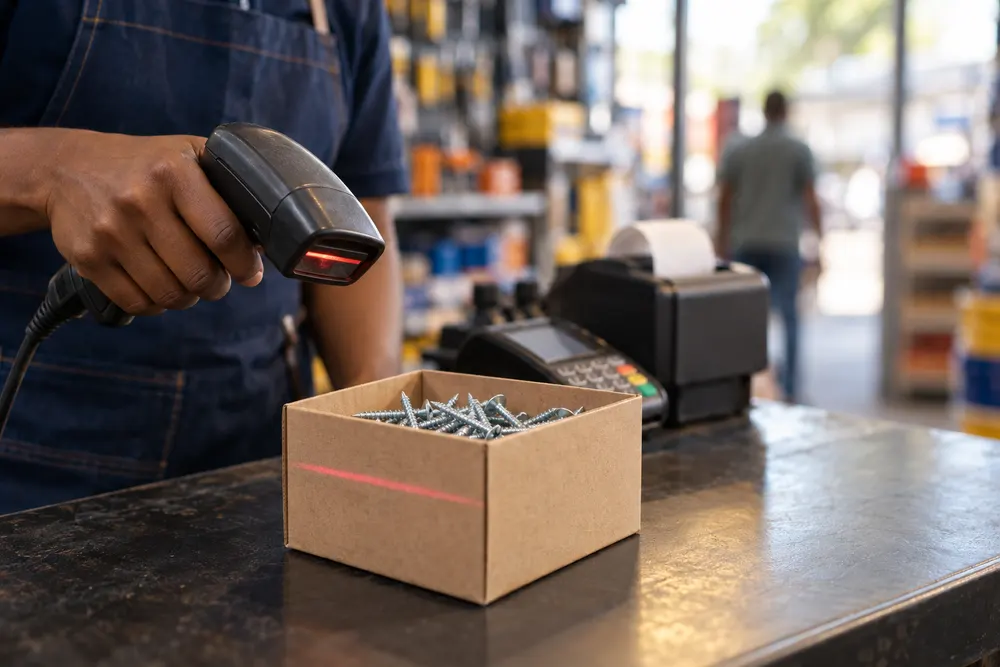
Your cashier scans a barcode or types a product name. No special till machine needed.
- Works on any computer or tablet
- Each cashier signs in with their own name and PIN
- A till left untouched for an hour signs the cashier out
- Find a past sale at the till and reprint the slip
Every sale updates stock and books
Each till sale is a Vali invoice. Nobody types the day’s sales in again at night.
- VAT, stock and your books update by themselves
- Customers pay by cash, by card or on account
- Card payments go through your own card machine
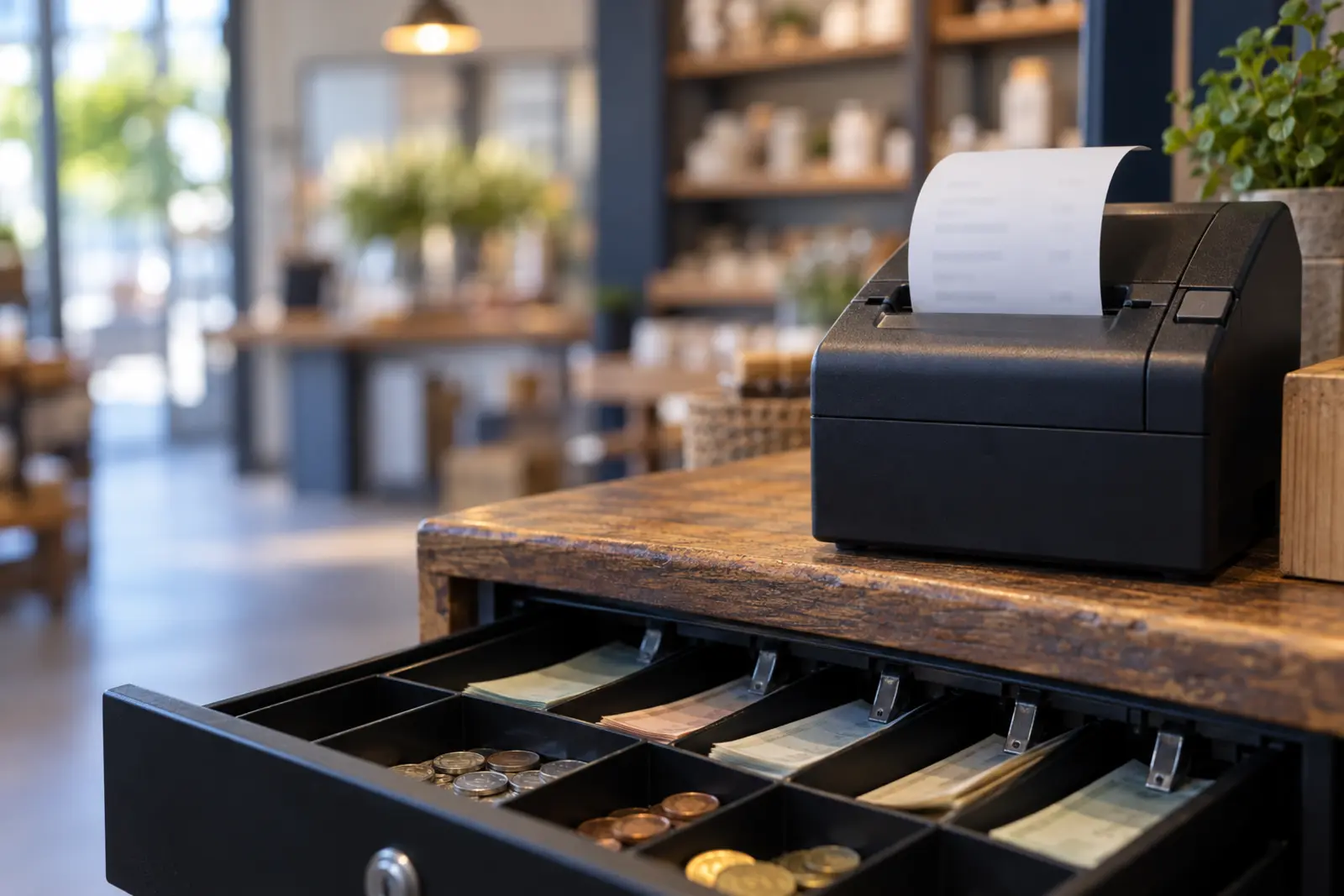
- Till slips print on a receipt printer, with a barcode
Account customers get their own prices
Your trade customers pay their agreed prices at the till, and the cashier sees where the account stands before the goods leave.
More
- Their own prices come up at the till
- The cashier sees what they owe, their credit limit and anything overdue
- Going over the credit limit needs a supervisor’s PIN
Big discounts need a supervisor’s PIN
Cashiers can give a discount up to their own limit. Above that, a supervisor has to approve it.
More
- A percentage off one item or off the whole sale
- Every discount carries a reason
- Above the cashier’s limit, a supervisor approves with their PIN
Returns make their own credit note
Take the return at the till. Vali makes the credit note and refunds the customer.
More
- Refund in cash, by card or to the customer’s account
- A supervisor approves every refund with their PIN
- The credit note is made for you, not written up later
Cash up and bank the takings
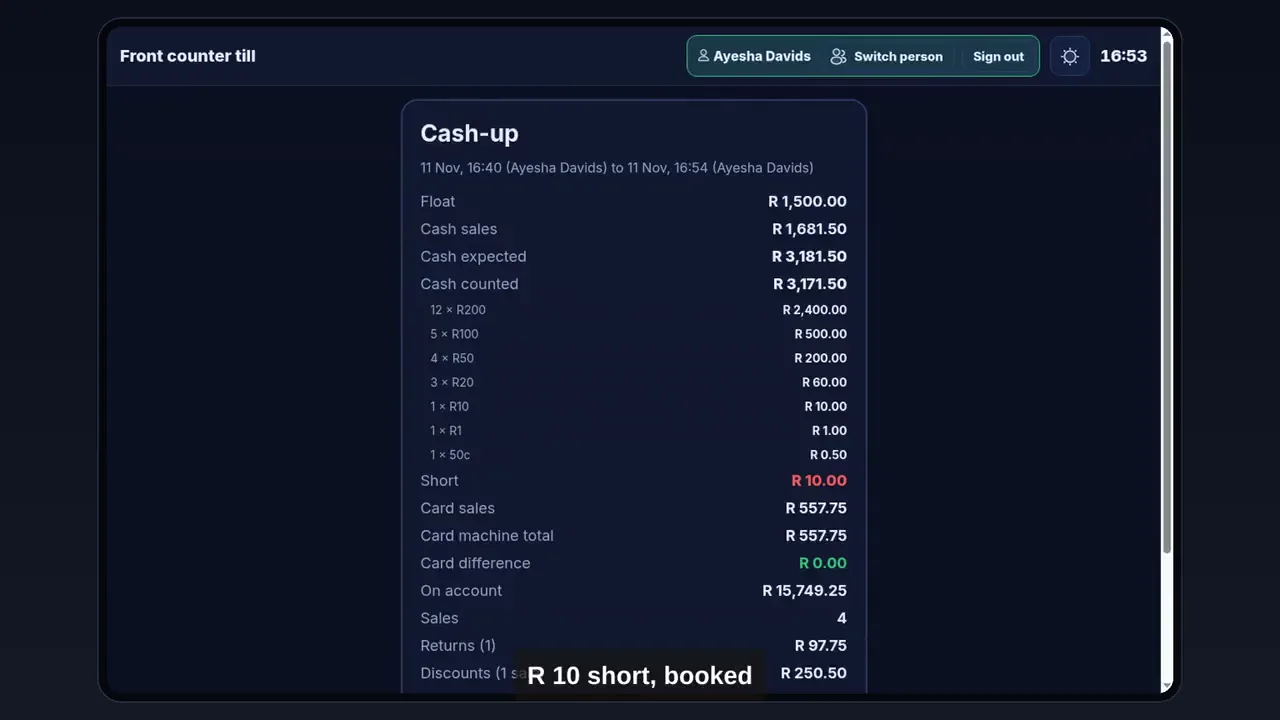
The cashier counts first and only then sees whether the till is over or short. The office sees every shift in one list.
More
- Open the till with a float
- At close, count by notes and coins or as one total, then see over or short
- The cash-up is booked to your books and a cash-up slip prints
- In the office: takings, over or short, discounts, who served and drawer openings for every shift
- Tick the cash-ups and record the bank deposit, ready for the bank reconciliation
Print your own barcode labels
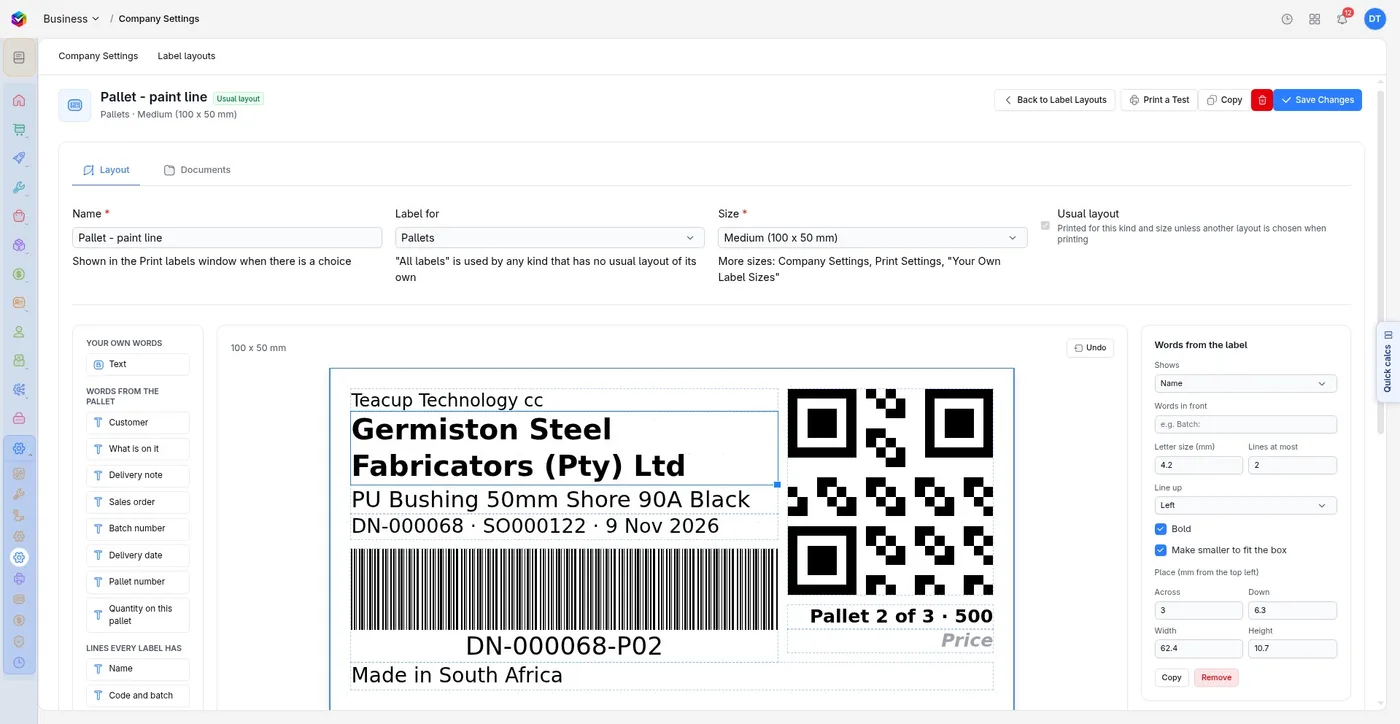
Make barcodes for your products and print shelf and product labels, so everything on the shelf scans at the till.
More about labels
- Design a label by dragging on text, item details, barcodes, QR codes and your logo
- Keep a named layout for each kind of label and size
- See how it will print and print a test label first
- Print as a PDF or straight to a Zebra label printer, in any label size
What you need to start
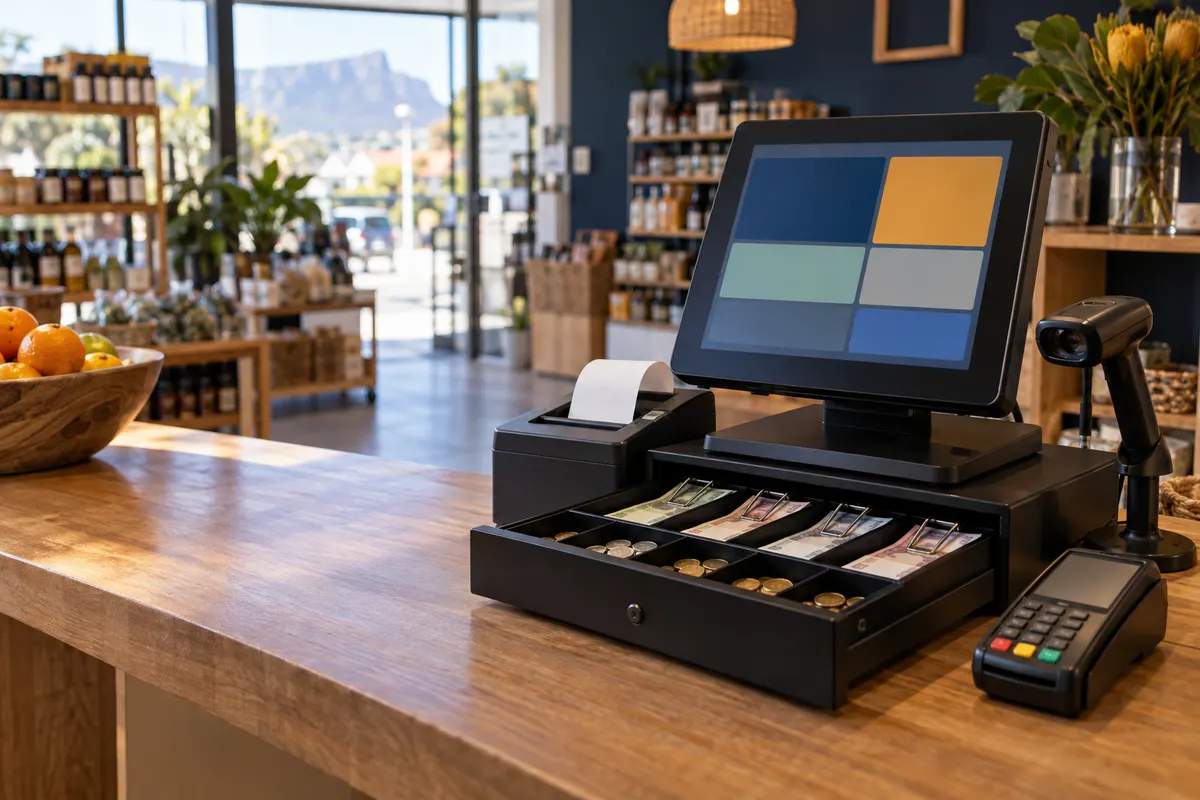
- A computer or tablet
- A receipt printer
- Your own card machine
- Cash drawer (optional)
- Zebra label printer (optional)
More about the equipment
- A computer or tablet: The till runs on either.
- A receipt printer: Prints till slips and cash-up slips.
- Your own card machine: Vali does not process cards. The customer pays on your machine and the cashier records the sale as a card sale.
- Cash drawer (optional): Opens through the Vali Desktop app for Windows. Each time it is opened by hand is recorded.
- Zebra label printer (optional): For barcode labels, in any label size.
Not sure your printer or drawer will work? Ask us in the demo.
Questions shop owners ask
Does Vali take card payments?
No. Card payments go through your own card machine. The cashier marks the sale as paid by card, and Vali records it against that sale.
Is the till finished?
The till is new in Vali (Beta). Everything on this page works today, and we are still improving it. Book a demo and see it before you decide.
Is the till included in the Vali Business price?
Yes. The till is part of Vali Business, with accounting, stock control and manufacturing, at one monthly price for the whole company and no per-user fees. See pricing.
Can I control what cashiers do?
Yes. Each cashier signs in with their own name and PIN. Discounts above their limit, refunds, and account sales over the credit limit all need a supervisor's PIN. Every time the cash drawer is opened by hand is recorded.
What happens to the cash at the end of the day?
The cashier counts the till and then sees over or short. The cash-up is booked to your books. In the office you tick the cash-ups and record the bank deposit, ready for the bank reconciliation.
See the till with your own products
Book a demo and we will ring up a sale, take a return and cash up, the way your shop would do it.
Book a demoPoint of sale for shops and trade counters
Sell over the counter from any computer or tablet, and every sale updates your stock, VAT and books by itself.
Every till sale is a real Vali invoice. South African business software by Teacup Technology.
The till is new in Vali (Beta). Book a demo and we will show you exactly what it does today.
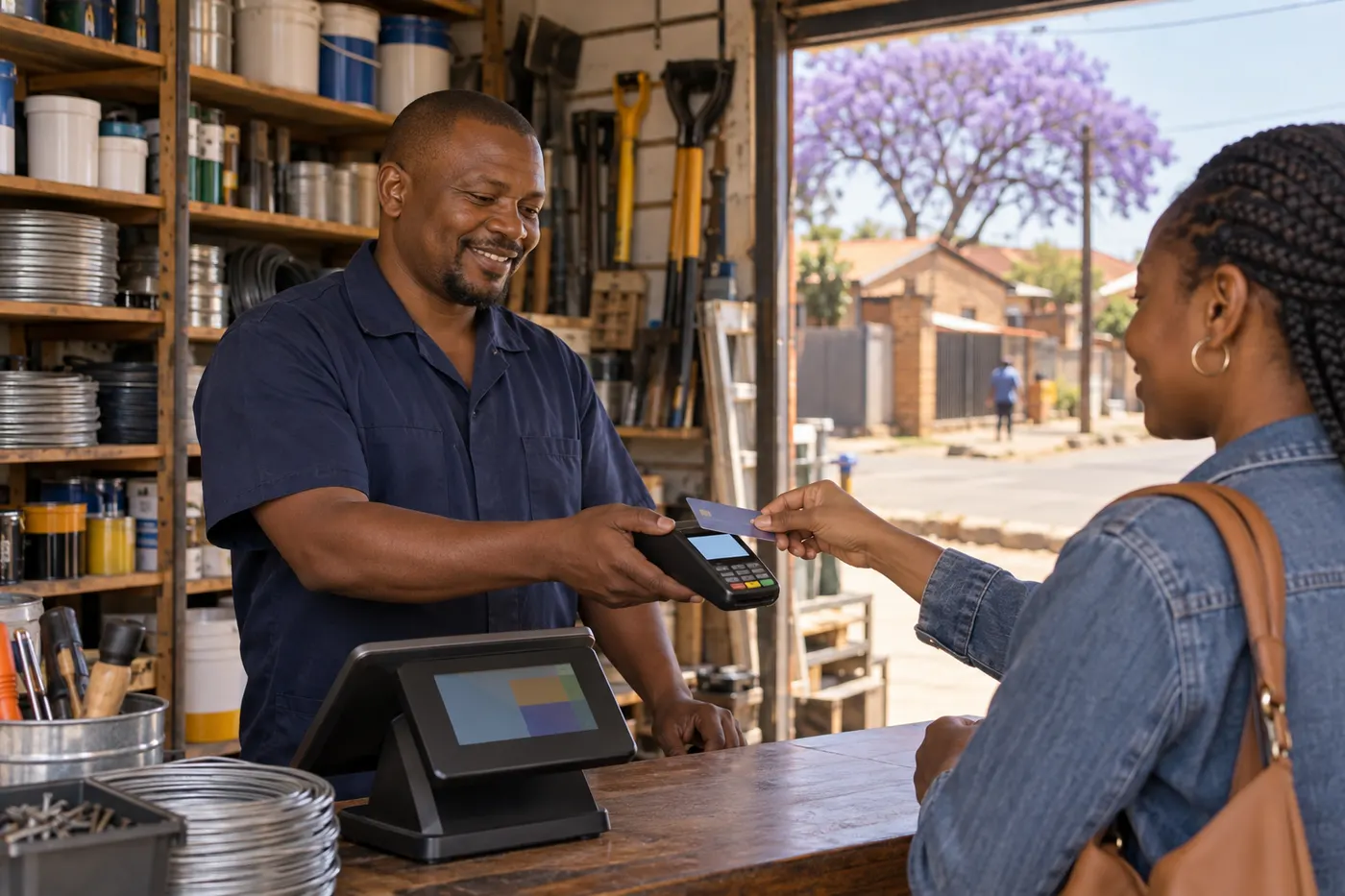
The till on a demo company. The company and people are made up.
From the first sale to the bank
Seven steps. Click one to jump to it.

Step 1 of 7
Sell from any computer or tablet
Your cashier scans a barcode or types a product name. No special till machine needed.
- Works on any computer or tablet
- Each cashier signs in with their own name and PIN
- A till left untouched for an hour signs the cashier out
- Find a past sale at the till and reprint the slip
Step 2 of 7
Every sale updates stock and books
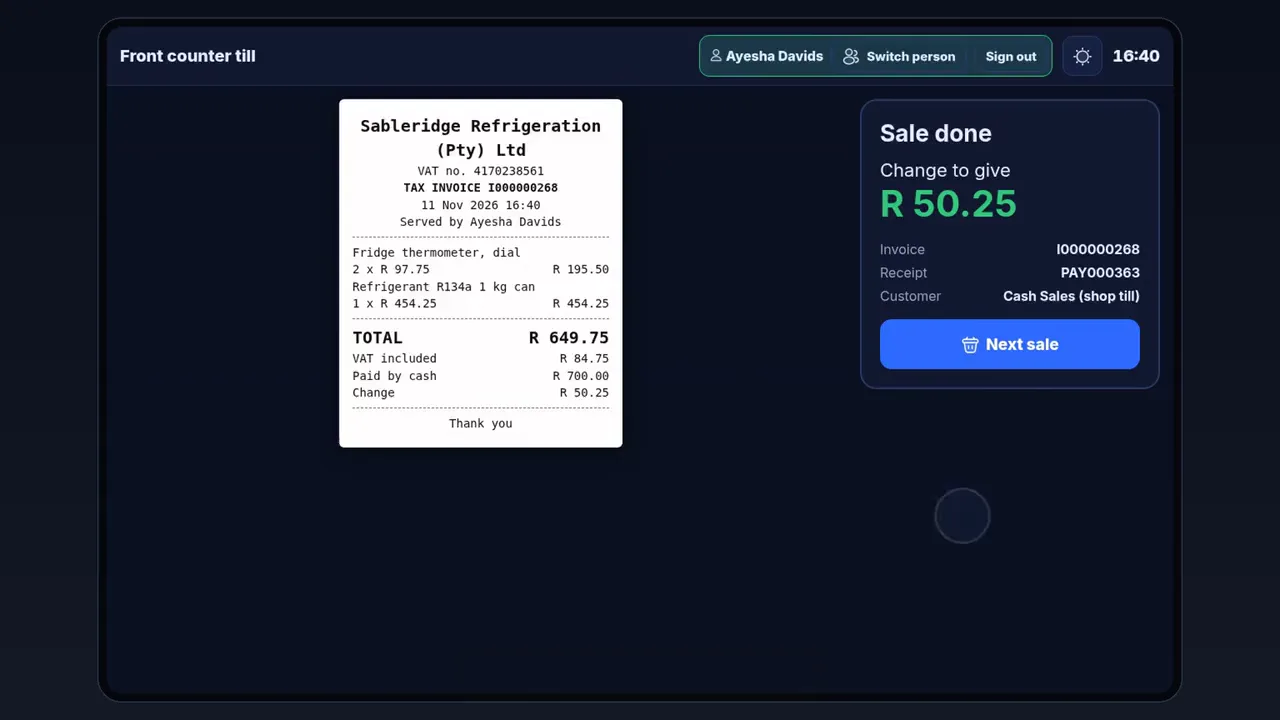
Each till sale is a Vali invoice. Nobody types the day’s sales in again at night.
- VAT, stock and your books update by themselves
- Customers pay by cash, by card or on account
- Card payments go through your own card machine
- Till slips print on a receipt printer, with a barcode
No typing the day’s sales in again
The sale, the stock and the VAT are done the moment the slip prints.
Step 3 of 7
Account customers get their own prices
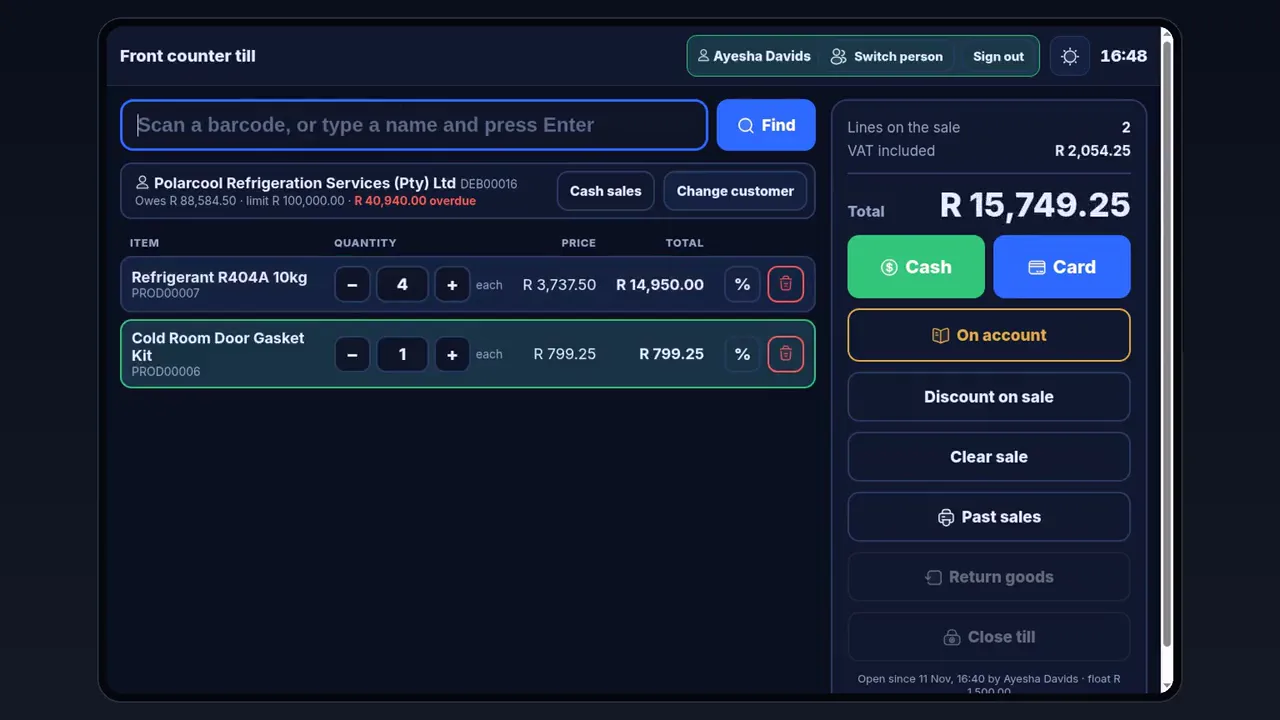
Your trade customers pay their agreed prices at the till, and the cashier sees where the account stands before the goods leave.
- Their own prices come up at the till
- The cashier sees what they owe, their credit limit and anything overdue
- Going over the credit limit needs a supervisor’s PIN
Step 4 of 7
Big discounts need a supervisor’s PIN
Cashiers can give a discount up to their own limit. Above that, a supervisor has to approve it.
- A percentage off one item or off the whole sale
- Every discount carries a reason
- Above the cashier’s limit, a supervisor approves with their PIN
Step 5 of 7
Returns make their own credit note
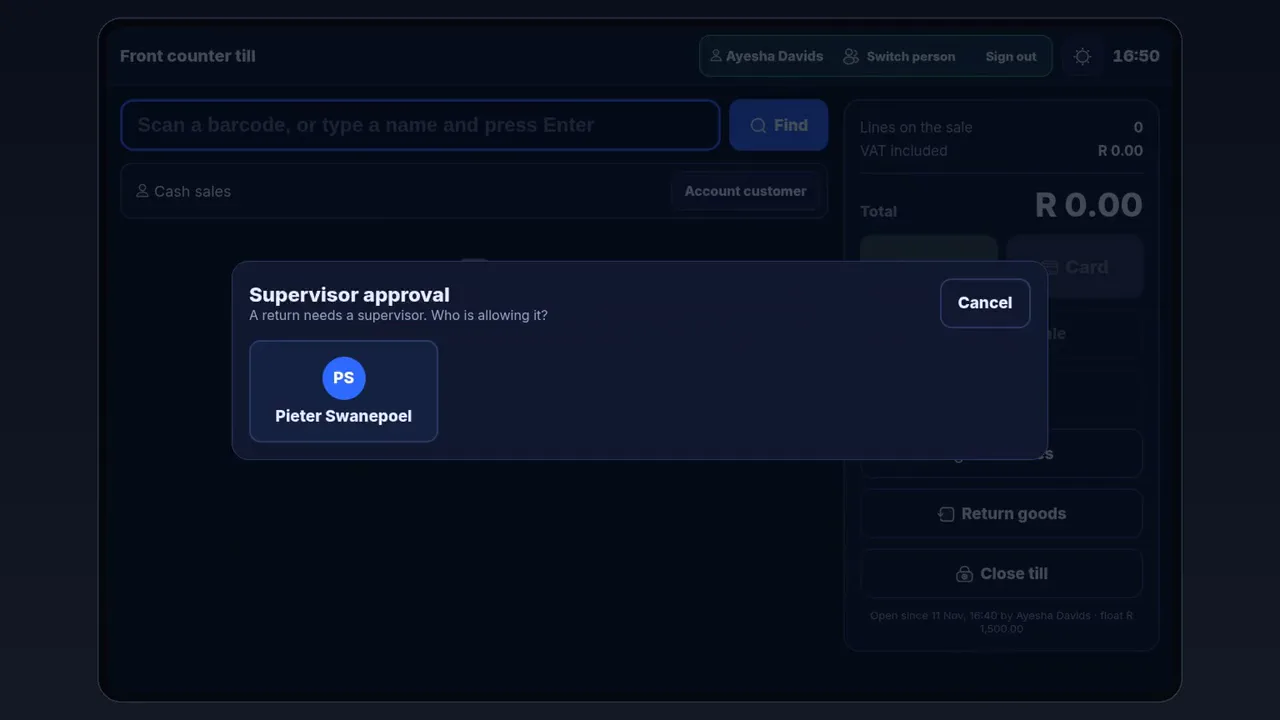
Take the return at the till. Vali makes the credit note and refunds the customer.
- Refund in cash, by card or to the customer’s account
- A supervisor approves every refund with their PIN
- The credit note is made for you, not written up later
Step 6 of 7
Cash up and bank the takings
The cashier counts first and only then sees whether the till is over or short. The office sees every shift in one list.
- Open the till with a float
- At close, count by notes and coins or as one total, then see over or short
- The cash-up is booked to your books and a cash-up slip prints
- In the office: takings, over or short, discounts, who served and drawer openings for every shift
- Tick the cash-ups and record the bank deposit, ready for the bank reconciliation
Step 7 of 7
Print your own barcode labels
Make barcodes for your products and print shelf and product labels, so everything on the shelf scans at the till.
- Design a label by dragging on text, item details, barcodes, QR codes and your logo
- Keep a named layout for each kind of label and size
- See how it will print and print a test label first
- Print as a PDF or straight to a Zebra label printer, in any label size
What you need to start
- A computer or tabletThe till runs on either.
- A receipt printerPrints till slips and cash-up slips.
- Your own card machineVali does not process cards. The customer pays on your machine and the cashier records the sale as a card sale.
- Cash drawer (optional)Opens through the Vali Desktop app for Windows. Each time it is opened by hand is recorded.
- Zebra label printer (optional)For barcode labels, in any label size.
Not sure your printer or drawer will work? Ask us in the demo.
Questions shop owners ask
Does Vali take card payments?
No. Card payments go through your own card machine. The cashier marks the sale as paid by card, and Vali records it against that sale.
Is the till finished?
The till is new in Vali (Beta). Everything on this page works today, and we are still improving it. Book a demo and see it before you decide.
Is the till included in the Vali Business price?
Yes. The till is part of Vali Business, with accounting, stock control and manufacturing, at one monthly price for the whole company and no per-user fees. See pricing.
Can I control what cashiers do?
Yes. Each cashier signs in with their own name and PIN. Discounts above their limit, refunds, and account sales over the credit limit all need a supervisor's PIN. Every time the cash drawer is opened by hand is recorded.
What happens to the cash at the end of the day?
The cashier counts the till and then sees over or short. The cash-up is booked to your books. In the office you tick the cash-ups and record the bank deposit, ready for the bank reconciliation.
See the till with your own products
Book a demo and we will ring up a sale, take a return and cash up, the way your shop would do it.